After updating your new input or corrections to the database you will see the text and then you have to press link called “Show the page again”. Now the new text is appearing under its header. Last phase comes when all the texts for one country and for one subject are in the database and publishing of the page can begin.
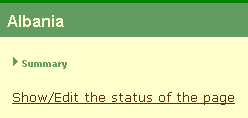
The first step is the pressing of link called “Show/Edit the status of the page”. See the figure 10 below.
Figure 10. Show and Edit the status of the page.
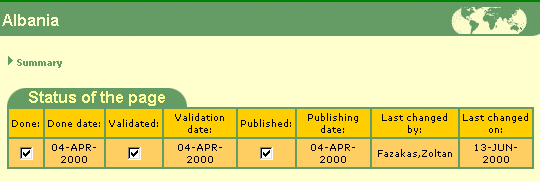
After this the status dialog of page will appear (see figure 11). Now user is able to decide the status of page. Page can be marked, as done which means that text is in database. Publishing of page can be made by thicking Published flag for the page, which makes page visible for the external users. Validating of page means that the authorised person has approved the information of page.
Figure 11. The status of the page.